


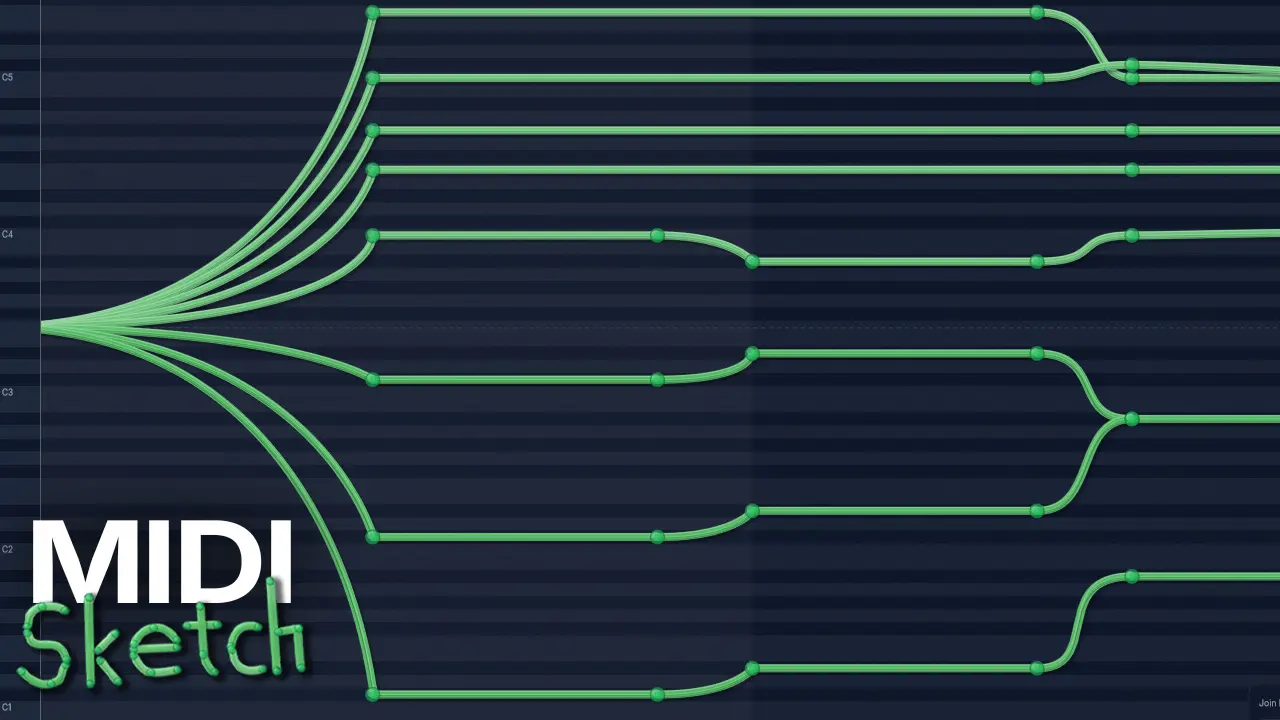
- Product: MIDISketch
- Developer: Eliotonic
- Version: 0.9.9.4
- Format: Standalone, VSTi3, VST3, CLAP
- Requirements: Windows 10 or later
- Source: eliotonic.com/midisketch
MIDISketch is a piano roll plugin that lets you draw MIDI notes with per-note pitch curves, expression automation, and MPE output. It can host VST3/AU synths directly inside it, or route MIDI OUT to synths in your DAW.
v0.9.9.4 Release notes:
Highlights
- MIDISketch Synth, rebuilt (early beta): a band-limited engine, Serum-style unison, a filter display that moves with the sound, and per-voice modulation with macros and drawable expression pads.
- Audio to MIDI: scan a recording, press Extract, and get real editable notes with the pitch curves the performance actually had – cleaned up the same way a sung take is.
- Time signatures: twelve meters plus follow-the-host – grid, ruler, snapping, loop markers, count-in, metronome and exported MIDI all follow.
- MIDI Generators: host a chord or arpeggiator plugin upstream of the roll and record what it plays as editable MPE curves.
- MPE MIDI import: dragged-in files keep their pitch bend, pressure and slide instead of flattening to plain notes, with the bend range read from the file.
- Free 7-day trial: starts only when you press Start, never by itself. Early-access users get a fresh trial window.
- Stretch MIDI to BPM: re-time every Note, CC lane, trigger cue and the loop end to a new tempo in one undo step.
- Interface scaling: set MIDISketch anywhere from 100% to 200% and every panel, dialog and control scales with it.
New
- Scan monitoring: hear the scanned recording alone, MIDISketch alone, or both together – three buttons in the scan panel, so checking your take against the source is one click.
- Analysis detail at scan time: choose the FFT size when you start a scan, with a plain-language hint for what each one suits. Voice and whistle default to the sharpest setting.
- Just intonation root: choose whether JI tunes against the lowest sounding note, so chords ring pure, or against your scale key, for drone and maqam music.
- DAW input switch: MIDI coming from your DAW is now listed as an input you can turn off, like any hardware port – useful when the same controller reaches MIDISketch twice. It switches itself back on every time you open the plugin.
- Join length at a glance: hover the Join button and a small readout slides out with arrows to change the join length, without opening the settings panel.
- Realistic piano keys: proper white and black keyboard with short sharps, on by default. Switchable in Design > Options.
- Expression pads: Pressure, Slide, Pan and Velocity as drawable curves in the synth. Pressure and slide shape the filter per note, Pan follows the roll’s Pan lane per voice, and Velocity drives nothing until you map it – no hidden mappings.
- Release tension: drag the dot on the synth’s envelope display to bend the release curve; double-click restores the classic exponential.
- Detachable wrapper: the built-in synth and sampler live in the same movable, scalable, detachable wrapper a hosted plugin gets, with a settings cog for Init reset and master tuning.
- Mixer automation: right-click a MIX knob to automate it – it becomes a slot in the expression lane and the lane opens ready to draw.
- Global pitch wheel: its own bend range, separate from per-note bend, with presets and an on/off switch.
- Record timing offset: minus 150 to plus 150 ms, so a take stays coherent when you play ahead of the click.
- Preserve fine tuning: a just third or a harmonic seventh survives recording instead of being corrected to the nearest semitone.
- What’s New panel: in-app news and release notes, updated from the server without reinstalling. Toggle Show on Startup in Help.
- Scale Lock highlight: in-scale rows get a soft accent wash with the tonic brightest. Out-of-scale rows are left untouched.
- Zoom cursors: Ctrl+scroll and Alt+scroll (and middle-drag zoom) show a stretch glyph for the axis you are zooming.
- Fullscreen button: dedicated toolbar button in the standalone, right of Settings. F11 still works.
- Spectrogram overlay: new Overlay notes option draws the scan heatmap over your notes for tracing dense material.
- Grid Tone slider: black to white grid lines in the Design modal, saved per theme.
- Typing a detune value: the Detuned Unison amount can be typed exactly, and the slider settles onto whole semitones as you drag. Hold Alt to move freely.
- Performance readout: press F10 for a live view of audio and paint timing, now including frame rate.
- Delay compensation: MIDISketch reports the latency of hosted synths and effects to your DAW, so what you hear stays in time with everything else. Press F10 for the current figure.
- CC lane export: the CC lanes you draw now travel with exported MIDI and drag-outs, each on its own channel. Parameter lanes stay out, since they drive a plugin rather than the MIDI stream.
- Curved LFO carrier: an LFO in the expression or CC lane now rides the bend of the segment it sits on, instead of oscillating around a straight line between the anchors. Pitch has always worked this way.
Improved
- Extraction accuracy: several passes against real voice and whistle takes – notes end where the sound ends instead of drifting through the gaps, octaves are decided across the whole note rather than frame by frame, and quiet phrases are no longer skipped.
- Scan panel: now sections you can fold away, each showing a live summary of its own settings when closed. Finishing a scan moves the view to where the pitch actually sits.
- Recording dialog: laid out in two columns – what gets captured on the left, what happens to the take on the right – so it fits on screen instead of running past the bottom edge.
- Roll overscroll: you can now scroll a little past the top and bottom of the keyboard, so the lowest notes are not glued to the screen edge when zoomed out. The space beyond is drawn as dead area and ignores clicks.
- Vibrato depth, honestly measured: captured vibrato now takes its depth from the typical swing rather than the single widest one, so one stray moment cannot inflate the whole shape.
- One colour language: expression lanes and the synth’s pads share identities – velocity gold, pressure orange, slide violet, pan cyan.
- New typography: Jura for reading, Saira Semi Condensed for controls. One type system across every panel and dialog.
- Faster painting: the roll is noticeably quicker on dense sketches, and the fast renderer is now the default. Compatibility mode stays one tick away in Quick Start.
- Standalone window: opens with the proper native title bar, and fullscreen hides the resize grip and shows an exit icon while it is active.
- Set Pitch dialog: restyled to match the rest of the app, with proper hover states at every interface scale.
- Detached plugin windows: open centred on the monitor you are working on and never larger than the screen, so the title bar is always reachable.
- Duplicating a note: shift-dragging a copy now previews it as you drag, the same as moving one.
- Chevron territory: the end chevron and the last Pitch Point no longer fight over the same pixels, and multi-Note chevron drags move pitch as well as length.
- CC overdub: behaves like DAW automation – recording over a lane replaces what the pass covered instead of merging into it.
- Cursor honesty: cursor and click agree everywhere, hovered Pitch Points brighten and grow, and lane points use the hand cursor.
- LFO editing: whole-semitone detents on depth drags, live semitone readouts on envelope points, larger cycles popup.
- MIDI Settings: reorganized into clearer sections with plain-language names.
- Status hints: tips lead with an accented title and no longer truncate early.
- Display scaling: UI text survives 125% and 150% Windows scaling.
- Plugin list: appears instantly, with the last scan shown while a rescan runs behind it.
- Perform tool: strokes commit through the same cleanup an MPE take gets, and a stroke started before playback rolls is captured from its first tick.
- MIDISketch Link: the panel is draggable and sits clear of the tools.
- Fewer stock OS dialogs: New Workspace, Scan Audio, Deep Scan, export settings and bend-range entry are drawn in MIDISketch’s own style.
- Pitch division dialogs: choosing a custom EDO, and the prompt that follows a grid change, are drawn in MIDISketch’s own style. The prompt’s decline now reads Don’t conform, because the grid has already changed – the question is only whether your notes follow.
- User Preferences: rebuilt. It scrolls when there is more than fits, and every control stays reachable at any interface scale.
- Ruler: grows with the interface scale, and the bar numbers sit centred with room to breathe.
- MPE Defaults: restyled to match the rest of the app, with a connected Auto/Manual switch.
- Expression handles: grabbing one is reliable now – the hand cursor and the click agree on the same target, both lanes use one grab radius, and a handle only ever moves its own point.
- Audio Settings: scales with the interface and can be resized, so long device names sit on one line instead of wrapping.
- Interface scale, per context: the standalone and the plugin each remember their own, so a comfortable standalone size no longer forces the same size inside your DAW.
- Note for existing sketches: CC curves now reach the shape you drew – they fell about a tenth short before – and an expression or CC LFO sitting on a BENT segment re-renders onto that bend. Straight segments are unchanged.
Fixed
- Scan playback quality: the imported recording sounded harsh and low-resolution whenever your interface ran at a different sample rate than the file. It now plays back cleanly.
- Panning with expression width on: notes no longer squash together against the right edge of the screen as you move the view, and colour gradients mapped to expression stay put on their notes instead of sliding.
- Zooming all the way in: the view no longer creeps sideways once the zoom reaches its limit, and you can zoom in about twice as far as before.
- Placing notes in custom divisions: notes land on the degree you clicked instead of one below it, and neighbouring degrees no longer refuse a note because they share a semitone.
- Just intonation roots: a point sitting exactly where one note ends and the next begins now tunes to the note that is starting, and a legato passage over a held bass no longer tunes every note to the bass.
- Hosted synth knobs: turning a knob in Serum or another hosted synth during playback is smooth again – MIDISketch was redrawing at full rate behind it.
- Migration messages: if a licence upgrade is refused, the banner now says why and where to go, instead of repeating the generic prompt.
- Moving a Note: its pitch points and MPE expression curves travel with it, instead of staying behind in time while the Note moves out from under them.
- Expression handles: the two handles of a bent segment now meet under the cursor rather than drifting apart, and a handle no longer drags its neighbour’s along with it.
- Clicking a point: with several Notes selected, clicking an existing point no longer dropped a new one on top of it.
- Add LFO: right-click offers it only on the curve between two points – on a point it deletes, and elsewhere in the lane it stays out of the way.
- Expression panel: collapsing it no longer leaves the grid missing its time lines until the next edit.
- Playback readout: the header no longer shows a sliver of PLAYING behind IDLE.
- Undo across sketches: opening a sketch starts a fresh history, so Undo can no longer pull the previous song’s notes into the new one.
- MPE import: imported pitch and expression curves are no longer wiped when the Note is resized.
- Hosted synth: a synth that cannot be found no longer disappears silently from a saved project.
- Audio export: renders your full chain – effects and master level included.
- Synth clicks: auditioning a note no longer clicks on release, and rapidly re-striking a key no longer clicks either.
- Filter honesty: resonance sounds like the display draws, and a new note never inherits the previous note’s pressure, slide or brightness.
- Trigger mode: notes that are not bound to a cue play through to your synth as normal.
- Bend ranges: some synths reverted to plus/minus 48 semitones after a few plays, and opening the plugin window overwrote your project’s range. Both fixed.
- Templates: Save as Template no longer ships your whole song with the template.
- Missing effects: a missing plugin no longer erases your chain on load – the slot is kept and the mixer names what is missing.
- Held notes: a note held when the transport stopped is now closed properly, and three paths that could emit absurdly long notes are fixed.
- Chords: double-clicking a Note in a stamped chord edits that Note alone, and editing a chop on one Note no longer stamps defaults across the selection.
- Scan octave stepper: works again, and shifts the display only. Playback and note extraction are untouched.
- Expression beziers: no more grabbing invisible handles. Bending a segment keeps both endpoint handles visible.
- Dark themes: the expression editor body is no longer pure black, and its beat ruler reads clearly.
- Quick Start: no longer opens underneath other dialogs when the plugin loads in a DAW.
- Stability: closing the app, or swapping a plugin, while a scan or export was still running could crash.
- Larger interface scales: dialogs that were cramped, clipped or overlapping at 150% and 200% now lay out correctly – Quantize, Ramp, Detuned Unison, Scan Audio, MPE Defaults, Strum, Arpeggiate, the Stamp panel and the synth browser.
- Status hints: the tip line at the bottom no longer paints over an open dialog.
- Mirror tool: matches the brightness of the other tools on the rail, and its slide-out button no longer shows square corners.
- Tuning Snap: clicking outside the panel to dismiss it no longer selected a preset and retuned the project.
- Detuned Unison: switching between cents and semitones converted the value incorrectly.
- Pattern browser: clicking a pattern no longer opens the chord creator, and buttons hidden by a search with no matches are no longer clickable.
- Expression tabs: the hover tips named the wrong lanes.