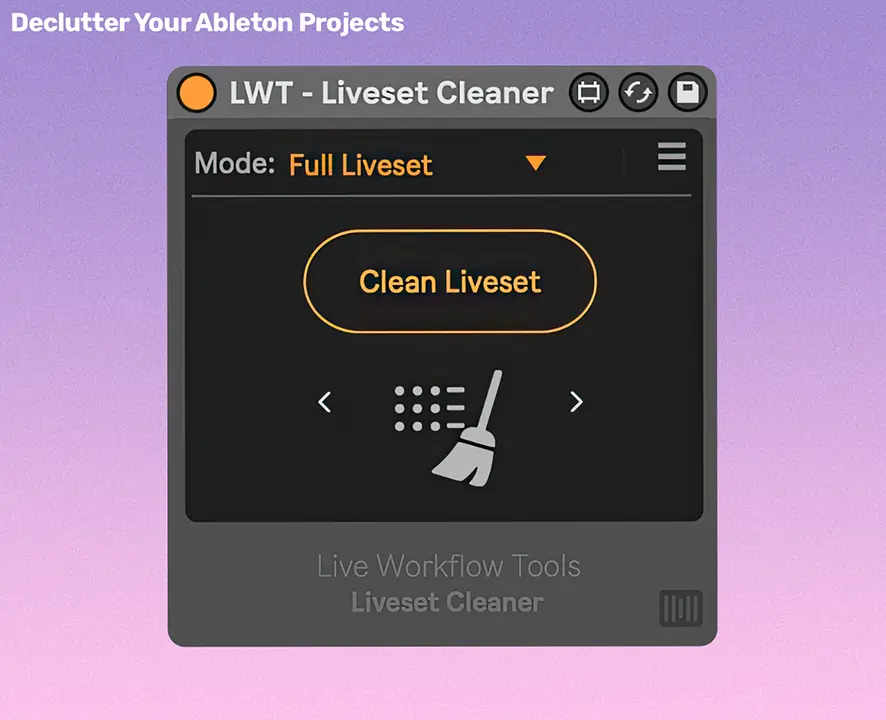
- Product: Liveset Cleaner
- Developer: Live Workflow Tools
- Format: Max for Live device (.amxd)
- Requirements: Ableton Live 10 or later
Liveset Cleaner (formerly Session Cleaner) instantly removes clutter from any Ableton project – now fully compatible with both Arrangement and Session View.
Remove empty tracks, muted clips, inactive devices, and unused sends with a single click. Liveset Cleaner even checks for automation data, so your mix stays safe.
Why producers use Liveset Cleaner:
- One-Click Cleanup: Remove empty tracks, muted clips, muted tracks, inactive devices, and unused returns. Clean everything at once or one category at a time.
- Automation-Aware: Tracks with automated mutes and devices with automated on/off are never removed.
- Skips Active Tracks: Input-monitored tracks are preserved, even when they’re empty to keep any custom routings in place.
- Arrangement & Session View: Works across your entire project, whether you write in Session, Arrangement, or both.
- Live Progress Feedback: Every clean shows a progress bar (“Removing 24 / 216 clips”), so you always know what’s happening.
- Cancel Anytime: Stop mid-clean with a single click; progress bar holds where it stopped.
- Lightweight & Native-Feel: Looks and behaves like an Ableton device.
Setup in 3 quick steps
- Drop the device into your set.
- Hit Clean Liveset.
- Done ✅ Your project is instantly decluttered.