
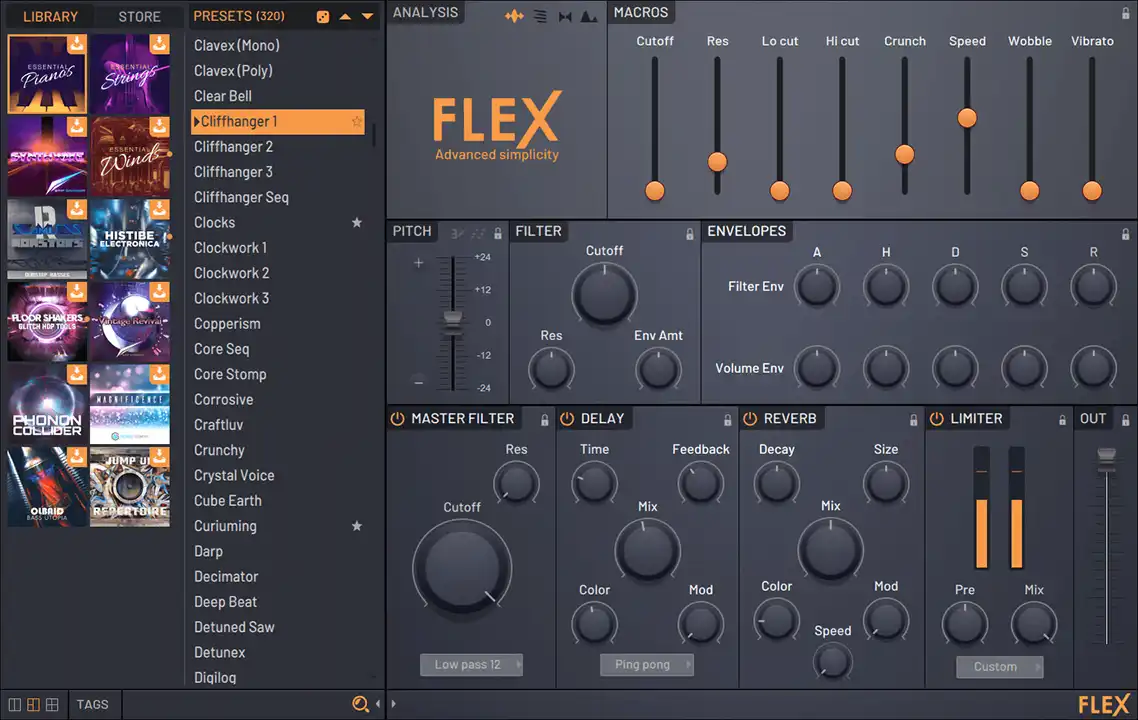
- Product: FLEX Complete Expansion Bundle
- Publisher: Image-Line
- Version: 09.2025
- Format: FLEX (.flexpack)
- Requirements: FL Studio 24 (and below) with unpatched FLEX, FL Studio 25 with patched FLEX
- Source: image-line.com/flex
Each FLEX Pack nails a different genre, so it’s easy to lock in the mood you want. Punchy drums, spaced-out pads, bold leads — whatever you’re feeling, there’s something in the store to get it moving. Some are free, some are paid, but all hit hard.
Installation:
Place the contents of the FLEX Complete Expansion Bundle v09.2025 [Warez_Down & iNVINCIBLE] folder inC:\Users=USERNAME=\Documents\Image-Line\FLEX

does this work with the original copy of FL Studio 25? All plugins edition i have
I’m not sure, but it’s worth a try to find out.
I FOUND A FIX, BUT IM GONNA TRY IT
So it was installed crookedly.
FLEX has two package directories.
1. Free FLEX packages are located in this directory.
C:\Program Files\Image-Line\FL Studio 2025\Data\Patches\Packs\FLEX\ – nothing needs to be changed here.
The paid FLEX packages are hosted in a different directory.
By default, it’s here:
C:\Users\UserName\Documents\Image-Line\FLEX\ this is where you need to drop the Images and Packs folders from this distribution.
Check where you placed the packages.
Everything works for me in FL 25:
Glad you sorted it out.